Debugging
You can conveniently debug logiccloud runtimes whether they are running in the cloud or on the edge device. This does not require a VPN connection, the edge devices only need an internet connection.
Start debugging
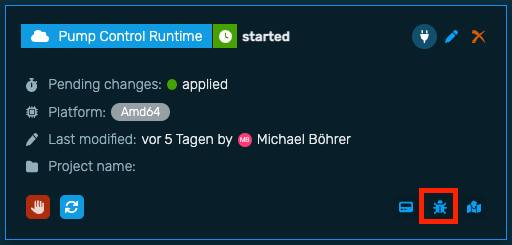
Debugging is also automatically created for each runtime. For this purpose, the values of all defined Access variables are made visible and recorded at runtime. You can open the debugging window for each runtime using the Debugging icon.
Currently the standard data types are supported in debugging, no custom data types. These will be supported in future versions.
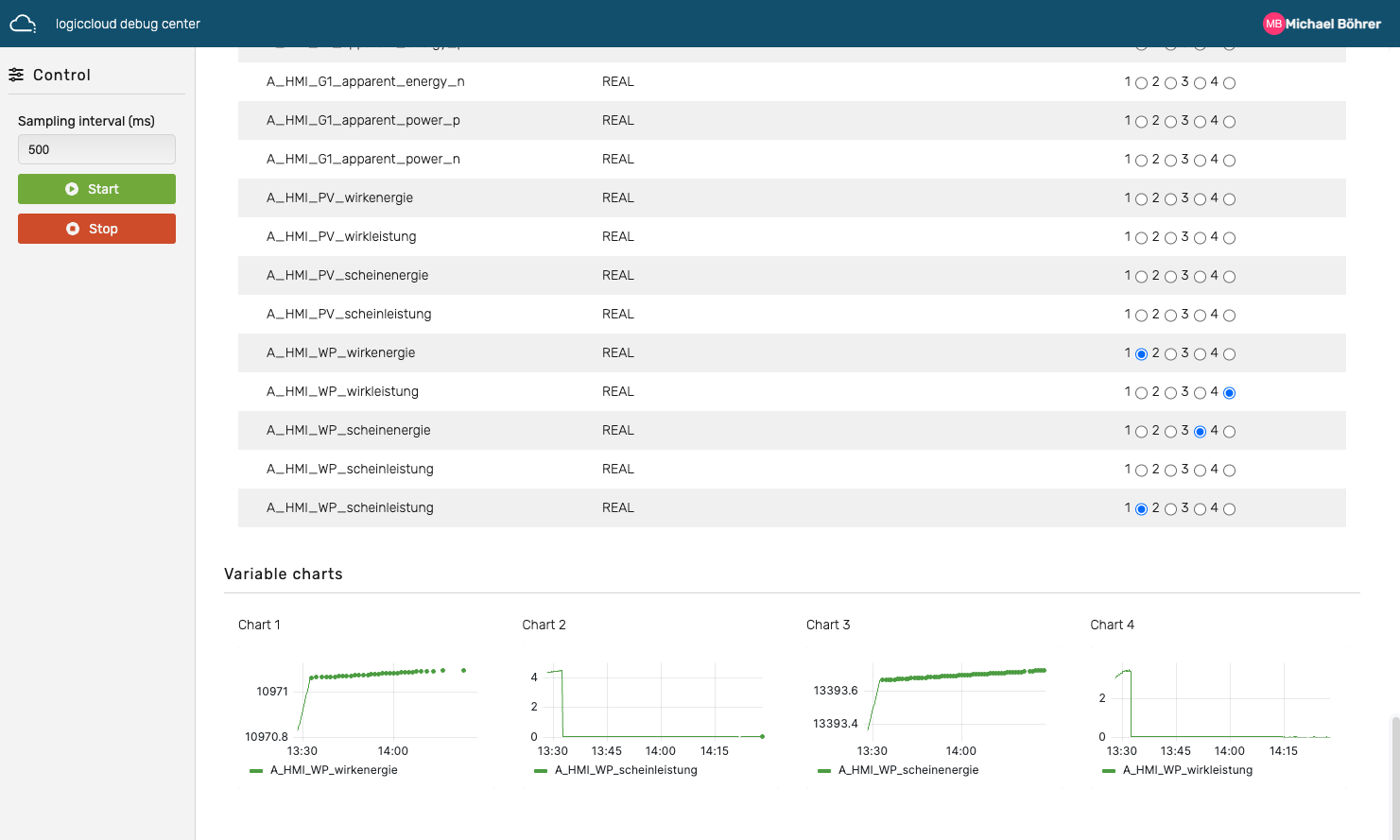
Debugging Center
The debugging center opens in a new tab and shows all defined Access variables. Via the button Start Debugging the debugging is started and in the set interval the live values of the outputs are sent by the runtime. Inputs can be set accordingly via the input fields.
Using the buttons 1 - 4 the individual variables can be displayed on 4 charts over time.